
For companies in the textile trade
Advertise on Textile School
Textile School is read by textile technologists, manufacturers, buyers and students, many of them in the countries where most of the world's textiles are made. We take a small number of clearly labelled advertisements from companies those readers can use.
Formats
| Place | Where exactly | Sizes (px) |
|---|---|---|
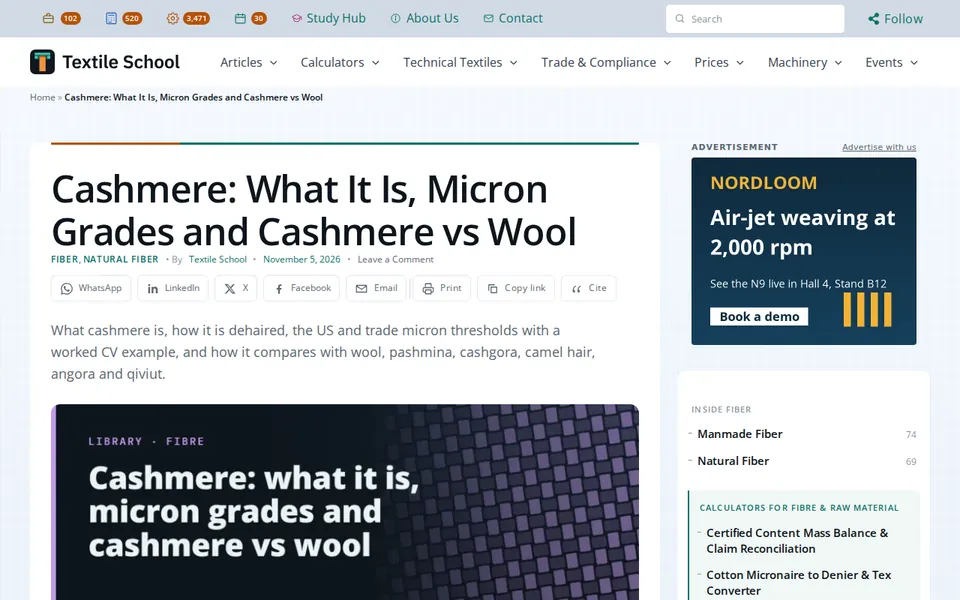
| Right-hand column, top | Desktop. The first item in the right-hand column, visible as the page opens. | 300 × 250, 300 × 600 |
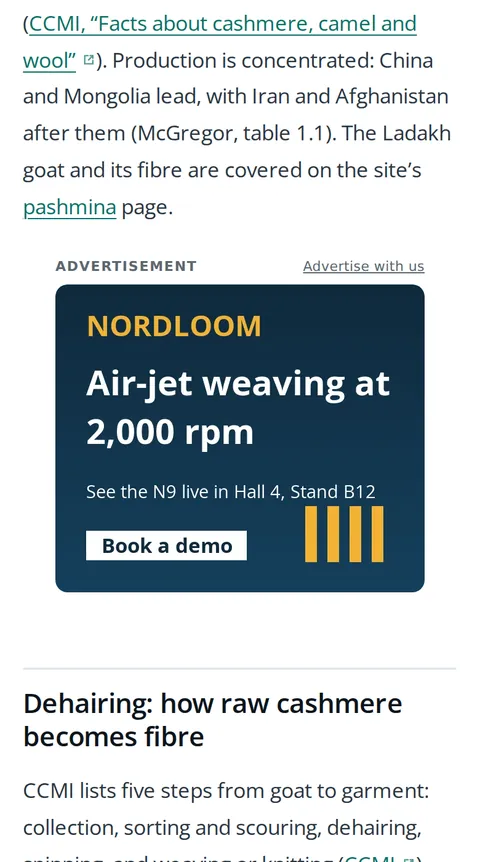
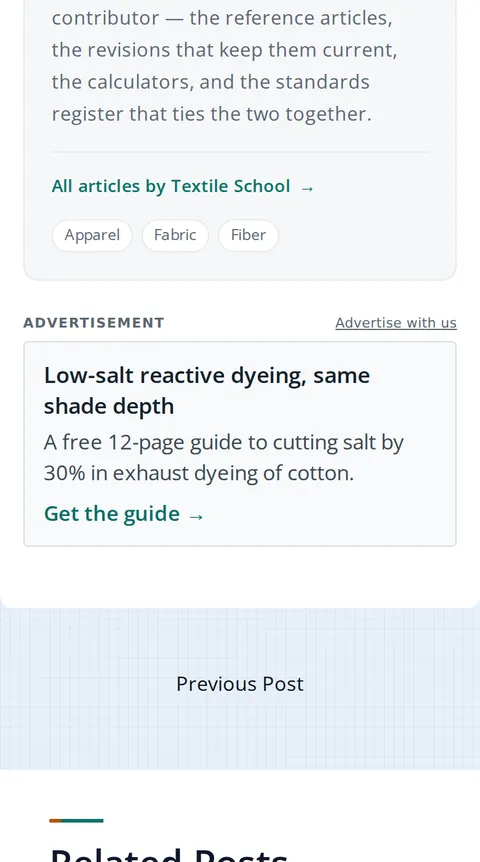
| Inside the text, phone | Phones and small tablets. After the third paragraph. | 300 × 250, 336 × 280, 320 × 100, or a text ad |
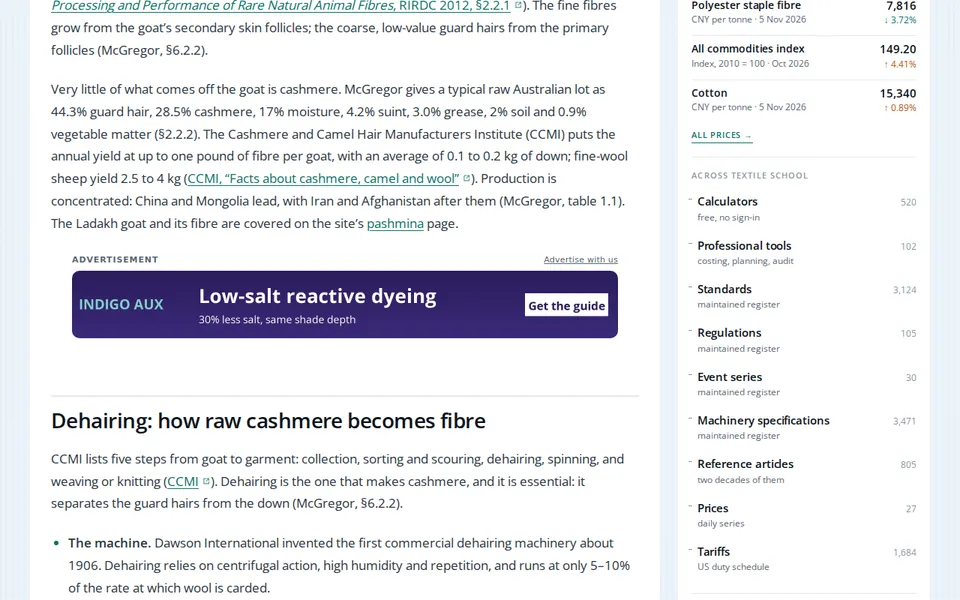
| Inside the text, desktop | Desktop. After the third paragraph, across the text column. | 728 × 90, 468 × 60, or a text ad |
| After the text | All screens. Where the article or fair description ends. | 300 × 250, 336 × 280, or a text ad |
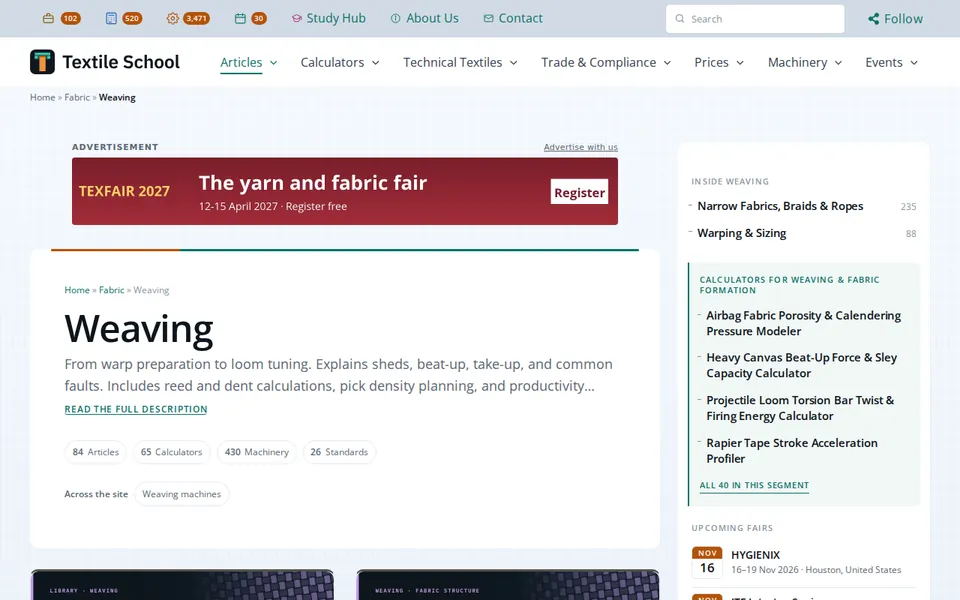
| Above a listing, desktop | Desktop. Above the list on category, tag, author and search pages. | 728 × 90, 970 × 90, or a text ad |
| Above a listing, phone | Phones. The same places as above. | 320 × 100, 320 × 50, or a text ad |
You choose the places and the kinds of page: articles, fair pages, the machinery directory, calculators, standards and more. Each place shows one advertiser at a time; nothing rotates.
What it looks like
Our own pages, with example advertisements in place. The advertisers shown are invented, for illustration only.
How a booking works
- Send the form below. We reply with our media kit, current readership and rates.
- Choose the places, the pages and the dates. We confirm the slot is free and send an invoice. Payment is in advance.
- Send your artwork, or a headline and one line for a text ad. We check it against the rules below.
- Your advertisement runs from the first day to the last, then stops by itself. Nothing renews without a new booking.
- At the end you receive the clicks on your advertisement, day by day. Add UTM tags to your link to see every visit in your own analytics.
Our rules
- We accept: textile, apparel and nonwoven companies, machinery and chemical suppliers, trade fairs and conferences, testing and certification, education and training, and software for the trade.
- We do not accept: gambling, crypto and trading schemes, adult content, tobacco and vaping, weapons, political messages, health or medical claims, essay and assignment services, link and SEO schemes, or anything misleading.
- Artwork is a static image (JPG, PNG, WebP or AVIF) at the exact size or twice it, under 150 KB. No animation, scripts, tracking pixels or cookies: our pages load no third-party code, and that will not change for an advertisement.
- Every advertisement is labelled "Advertisement" and links straight to your page. The link tells search engines it is sponsored.
- Advertising never changes what we write, which fairs we list, or the order of the events calendar. That order cannot be bought.
- If your advertisement is off the site for more than a day through our fault, we add the lost days at the end. We may refuse or remove an advertisement that breaks these rules; we refund the unused days unless the rules were broken knowingly.
Organising a trade fair? A Featured listing above the events calendar has its own prices: for organisers.